 kafadengi











Avatar Maker
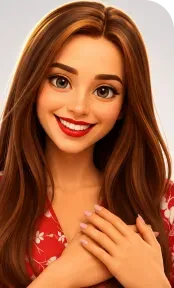
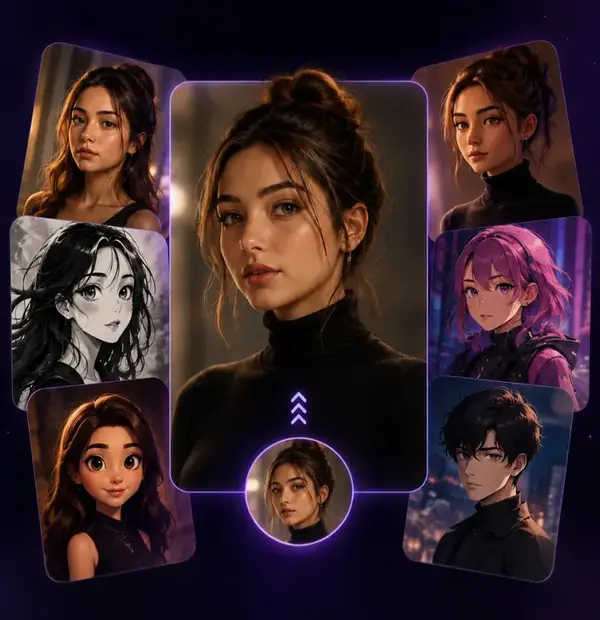
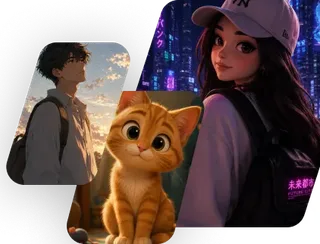
Pick from styles like realistic, anime, manga, 3D cartoon, cyberpunk, fantasy, super hero and chibi, then transform your photo.
Turn a selfie into anime, manga, 3D cartoon, cyberpunk and more. Pick a look, tap transform, and watch the AI do the rest.
Free download · Android
Get Avatar Studio AI free
Avatars are generated by AI and may differ from the samples shown.
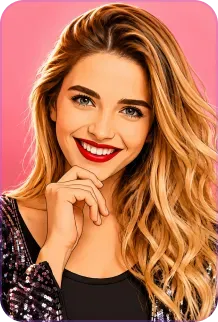
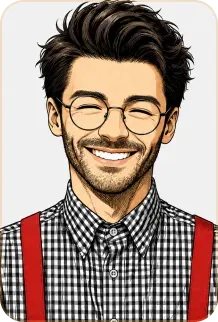
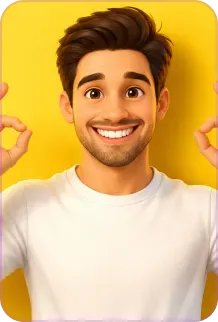
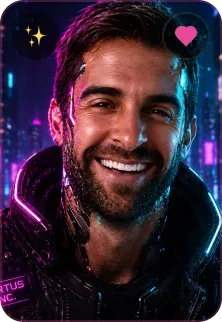
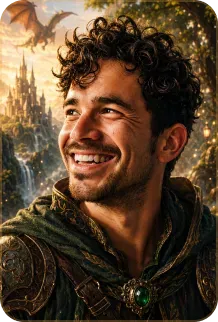
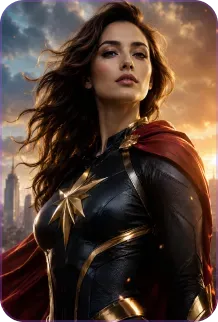
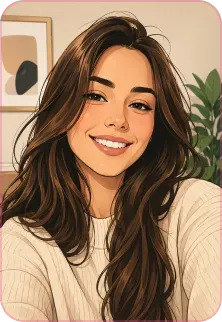
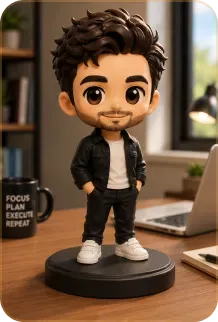
Pick from styles like realistic, anime, manga, 3D cartoon, cyberpunk, fantasy, super hero and chibi, then transform your photo.

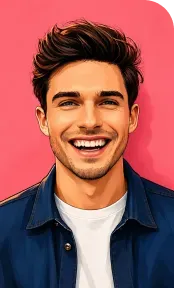
Classic, 3D, comic, flat, sticker and caricature cartoons from your selfies.
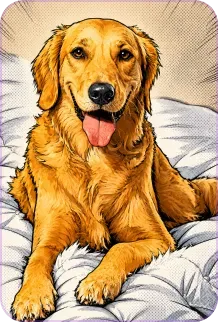
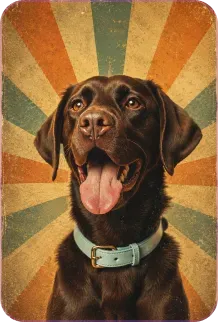
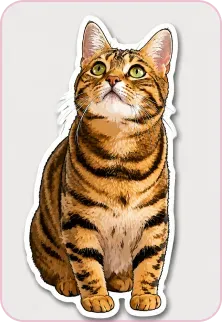
Turn your dog or cat into a cartoon with classic, retro and sticker looks.
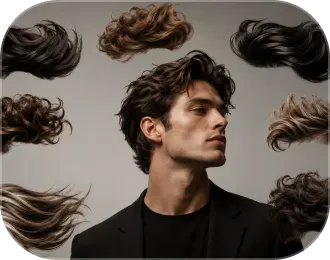
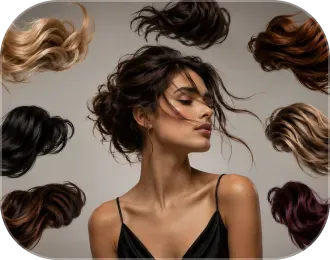
Choose a hairstyle and a hair color and preview a new look before the next salon visit.
Browse a gallery of AI creations for inspiration, heart the ones you love and find your own work under My creations.
Open Avatar Maker, Cartoonify or Pets and tap the style that feels like you.
Use the camera or your gallery. Clear, well-lit photos work best.
The AI works for a few seconds. Preview the result, try again or download it.
The app is free to download from Google Play. Some features use credits that you can earn by watching an ad, and an optional Pro subscription unlocks every style, removes ads and gives unlimited access. Prices are shown in the app and on Google Play.
No. Every avatar is generated by AI from your photo and the style you choose. Results can differ from the sample images and may not always be accurate, so try another photo or style if you are not happy.
Avatar Maker has styles such as realistic, anime, manga, 3D cartoon, cyberpunk, fantasy, super hero, comic, chibi, kawaii, pro headshot and toy figurine. Cartoonify adds classic, 3D, comic, flat, sticker and caricature cartoons, and there are pet cartoons too.
Yes. Hair Changer lets you pick a hairstyle and a hair color and see how it could look on your photo. Like every other result, it is AI-generated.
Clear, well-lit photos with one face work best, and the app shows photo tips before you start. You can take a photo with the camera or choose one from your gallery, so camera or photo access may be requested. See the Data safety section on Google Play and our Privacy Policy for details.
Yes. The AI transformation runs online, so you need a connection to generate a new avatar.
Download Avatar Studio AI and turn your next selfie into a character.
Free download · Android · AI-generated results